Top Features of VidMate You Should Know
October 23, 2026 (3 weeks ago)

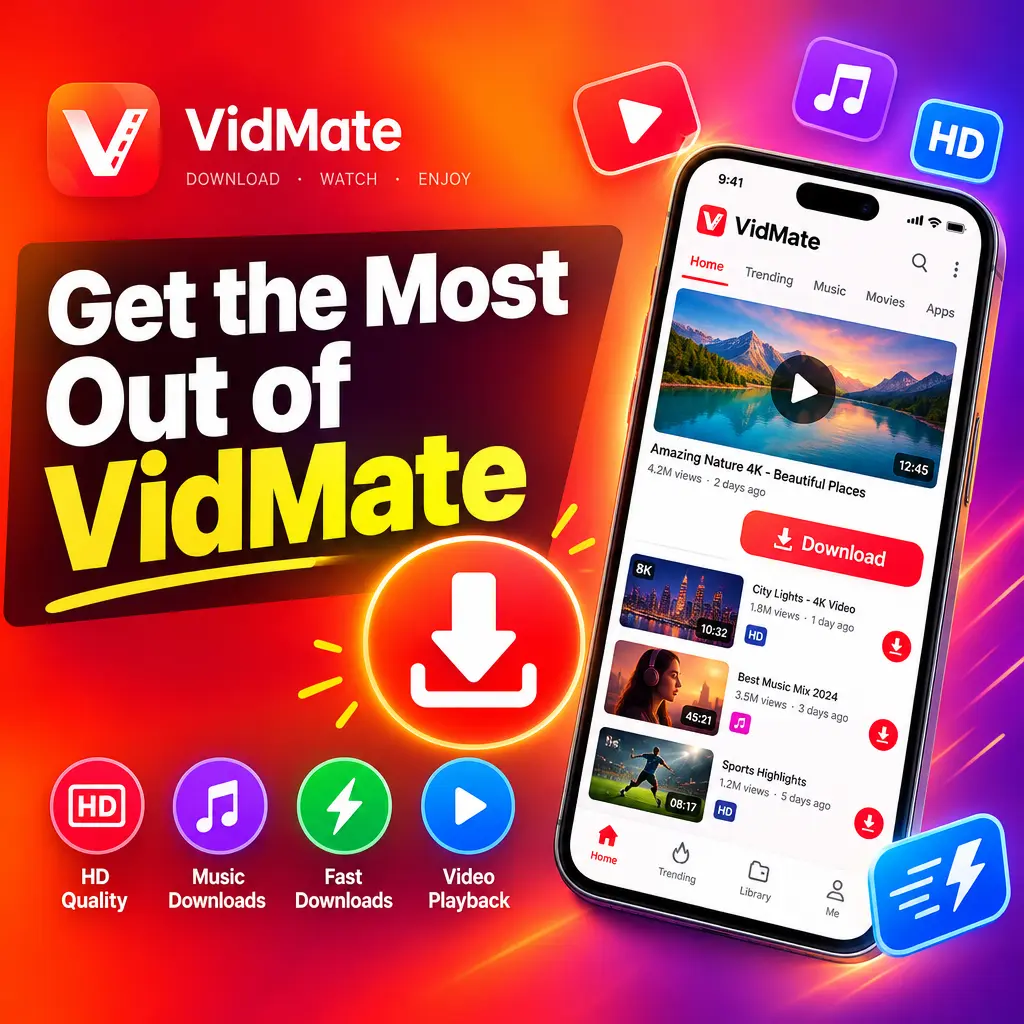
VidMate is a popular Android app for people who want one simple place to download videos, movies, and music from different platforms. Instead of switching between many apps and websites, VidMate APK brings many useful tools together in a single, easy to use interface. Whether you want to save a song for offline listening, download a video in your preferred quality, or manage your media files smoothly, VidMate offers several features that make the process simple and convenient.
1. Download Videos from Multiple Platforms
One of the biggest highlights of VidMate is its support for multiple platforms. The app is designed to help users find and download media from many popular video and social platforms in one place. This makes it useful for people who regularly watch content online and want to keep selected videos available offline.
- Download videos from different websites using one app.
- Search for videos directly inside the VidMate interface.
- Save videos for offline viewing when internet access is limited.
- Avoid the need to use separate download tools for different platforms.
This feature is especially helpful when you are traveling, have a limited data plan, or want to watch videos later without buffering. As always, users should respect copyright rules and download only content they are allowed to save.
2. Multiple Video Quality Options
VidMate gives users control over video quality before downloading. This is an important feature because not every user has the same storage space, internet speed, or viewing needs. Some people want high quality video for a better viewing experience, while others prefer smaller files to save storage.
- Low quality: Best for saving mobile data and device storage.
- Standard quality: A balanced choice for everyday viewing.
- HD quality: Ideal for watching videos with clearer visuals.
- Full HD options: Useful for larger screens and sharper playback, when available.
Having these options means you can download content based on your situation. If you are using mobile data, a lower resolution may be better. If you are connected to Wi-Fi and want the best experience, HD can be the right choice.
3. Fast Download Speed
Speed is one of the key reasons many users choose VidMate. The app is built to provide quick downloads, helping users save time when downloading videos, movies, or music. A faster download process is useful when you need to save content quickly before leaving home, going offline, or switching networks.
- Downloads start quickly after selecting the format and quality.
- The app can handle large media files more smoothly.
- Users can download multiple files without going through a complicated process.
- Fast speed makes offline entertainment more convenient.
Download speed can still depend on your internet connection, file size, and source platform. However, VidMate’s simple downloading process makes it easier to manage media without wasting time.
4. Built In Music Downloader
VidMate is not only for videos. It also works well for downloading music. Many users like this feature because it allows them to save songs and audio files directly to their device. If you enjoy listening to music offline, this can be one of the most useful parts of the app.
You can search for music, choose the preferred format, and save it for later. This is helpful for workouts, travel, study sessions, or any time you do not want to depend on an internet connection. The app makes it simple to build an offline music collection without needing a separate music downloader.
5. Video to Audio Conversion
Another useful feature of VidMate is the ability to download or save content in audio format. Sometimes you may not need the full video. For example, you might only want a lecture, podcast, speech, or song as an audio file. Instead of downloading a large video file, you can choose an audio option and save space on your device.
- Find the video or content you want.
- Select the audio format if available.
- Download the file to your device.
- Listen offline using your preferred music player.
This feature is practical for users who listen more than they watch. It is also useful when you want to reduce file size while keeping the main content.
6. Simple and User Friendly Interface
A good app should be easy to use, and VidMate keeps things simple. The layout is designed so users can search, browse, and download without confusion. Even if you are using the app for the first time, the main features are easy to understand.
- Clear search bar for finding videos and music.
- Easy download button and format selection.
- Organized sections for different types of content.
- Simple navigation that works well for beginners.
This user friendly design is one of the reasons VidMate remains popular among Android users. You do not need advanced technical knowledge to use it. Most actions can be completed with just a few taps.
7. Built In Media Player
VidMate also includes a built in media player, which means you can play downloaded videos and music without opening another app. This adds convenience because you can download and watch content in the same place.
The media player is useful for checking downloaded files immediately. If you save a movie, music video, or audio file, you can open it directly inside VidMate and enjoy it offline. This reduces the need to switch between apps and keeps your media experience smooth.
8. Download Manager for Better Control
The download manager is another important feature of VidMate. It helps you track and control your downloads in a more organized way. If you download several files, a good download manager makes it easier to see progress and manage everything from one screen.
- View active downloads in progress.
- Pause and resume downloads when needed.
- Check completed downloads easily.
- Manage files without searching through different folders.
This is especially helpful for users who download long videos, movies, or multiple music files. If your connection drops or you need to stop a download temporarily, pause and resume options can save time and data.
9. Supports Different File Formats
VidMate gives users flexibility by supporting different file formats. This is useful because different devices and media players may work better with certain formats. Whether you want a video file or an audio file, VidMate offers choices that make downloading more practical.
- Video formats for offline watching.
- Audio formats for music and spoken content.
- Quality based file choices to manage storage.
- Format options that fit different user needs.
This flexibility helps users download content in a way that works best for them. For example, if you only need sound, an audio format is better. If you want visuals, you can choose a video format with the quality you prefer.
10. Great for Offline Entertainment
The main value of VidMate is offline entertainment. Once your favorite videos, movies, or songs are saved on your device, you can enjoy them anytime. This is useful in many everyday situations, such as long trips, poor network areas, or times when you want to save mobile data.
Offline access also gives you more freedom. You do not have to worry about buffering, slow connections, or repeated streaming. For users who like to prepare content in advance, VidMate can be a very convenient tool.
11. Lightweight and Practical for Android Users
VidMate APK is designed mainly for Android users and is known for being practical and easy to install. It does not try to be overly complicated. Instead, it focuses on providing useful downloading features in a direct way.
- Works well on many Android devices.
- Combines video, movie, and music downloading in one app.
- Useful for users who want quick offline access.
- Reduces the need for multiple media download apps.
For anyone looking for a simple app to download videos, movies, and music from multiple platforms, VidMate offers a strong set of features. Its mix of fast downloads, quality options, music support, file management, and offline playback makes it a useful choice for everyday media needs.
Recommended For You